TSI-012 | TechSenseIndia
Published Date: January 31, 2026
wireless-hdmi-hubs-2026
Introduction
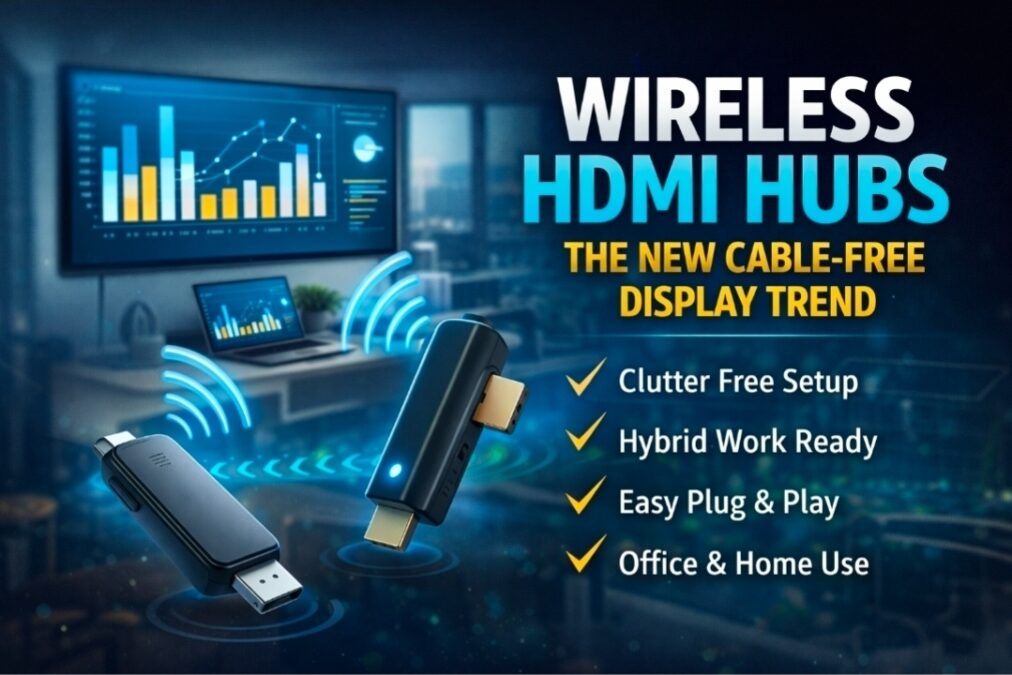
Cables are no longer the only way to connect your devices. Wireless HDMI hubs are emerging in 2026 as a practical solution for cable-free display connections. Whether for home entertainment, gaming setups, or office presentations, these hubs provide seamless video streaming without messy wires, making setups cleaner and more flexible.
Looking for a budget Soundbars
Wireless HDMI hubs let you connect your laptop, phone, or media device to a TV, monitor, or projector without using HDMI cables. They use a transmitter and receiver to send audio and video wirelessly.
| Model | Range | Resolution Supported | Compatibility | Price (INR) | Pros | Cons |
|---|---|---|---|---|---|---|
| Nyrius Aries Pro | 30 ft / 9 m | 1080p Full HD | HDMI devices, PC, TV | ₹12,500 | No lag, Plug-and-play, Compact | Limited 1080p support, Slight interference in crowded areas |
| IOGEAR Wireless HD Kit | 30 ft / 9 m | 1080p Full HD | PC, TV, Gaming consoles | ₹11,000 | Easy setup, Good stability, Affordable | Occasional lag, No 4K support |
| Actiontec ScreenBeam Mini2 | 50 ft / 15 m | 1080p Full HD | Windows, HDMI TV | ₹14,500 | Long range, Reliable connection | Bulky, Limited compatibility with Mac |
| J-Tech Digital Wireless HDMI | 50 ft / 15 m | 1080p Full HD | HDMI devices | ₹13,000 | Stable signal, Multi-device support | Occasional interference, No 4K support |
| Gigalink Wireless HDMI Extender | 100 ft / 30 m | 1080p Full HD | TV, PC, Media players | ₹18,000 | Long range, Supports multiple displays | Expensive, Setup can be tricky |
Why They’re Trending
Hybrid work and remote meetings
Clean, minimalist desk setups
Growing use of portable projectors
Faster plug-and-play solutions
Key Benefits
No cable messQuick setup
Portable and travel-friendly
Works without heavy Wi-Fi dependency
Where They’re Used
Office meetings and presentations
Home entertainment
Classrooms and training rooms
Retail demos and events
What to Check Before Buying
Full HD or 4K support
Low latency10–30m wireless range
Compatibility with your devices
Solid-state batteries are expected to play a big role in the future of electric vehicles in India
Pros
Cable-Free Convenience: Eliminates tangled wires and messy setups.
High-Quality Transmission: Supports HD, 4K, and even 8K video on some models.
Multi-Device Support: Connect laptops, gaming consoles, and streaming devices simultaneously.
Easy Installation: Plug-and-play design without complex setup.
Mobility: Move displays freely without worrying about cable lengths.
“Also check our latest post on Premium Soundbars from JBL
Cons
Latency: Slight lag may occur in some models, affecting fast-paced gaming.
Range Limitations: Effective distance depends on hub model and environment.
Price: Wireless solutions are often more expensive than traditional HDMI cables.
Looking for Hometheatre setup ideas
Who Should Buy a Wireless HDMI Hub?
- Users with wall-mounted TVs and hidden cable setups.
- Home theater owners wanting a clean look.
- Office presentations without long HDMI runs.
- Renters who don’t want drilling or wiring changes.
Who Should Buy
Home entertainment enthusiasts who want a clean, wireless setup.
Office users needing flexible presentations without tangled cables.
Gamers who want high-quality video without messy wiring.
Anyone upgrading their setup for modern cable-free convenience.
Check latest price and offers on Amazon
Final Verdict
Wireless HDMI hubs are redefining how we connect displays in 2026. While traditional cables are still reliable, wireless hubs offer flexibility, cleaner setups, and multi-device support, making them a smart investment for modern homes and offices.
For collaborations or official enquiries: 📩 Sathish@techsenseindia.in

Sathish G is a retail and consumer electronics professional with hands-on experience in audio and large format retail operations. He writes about gadgets, EV updates, and audio products with a focus on practical buying guidance and real-world usability.